
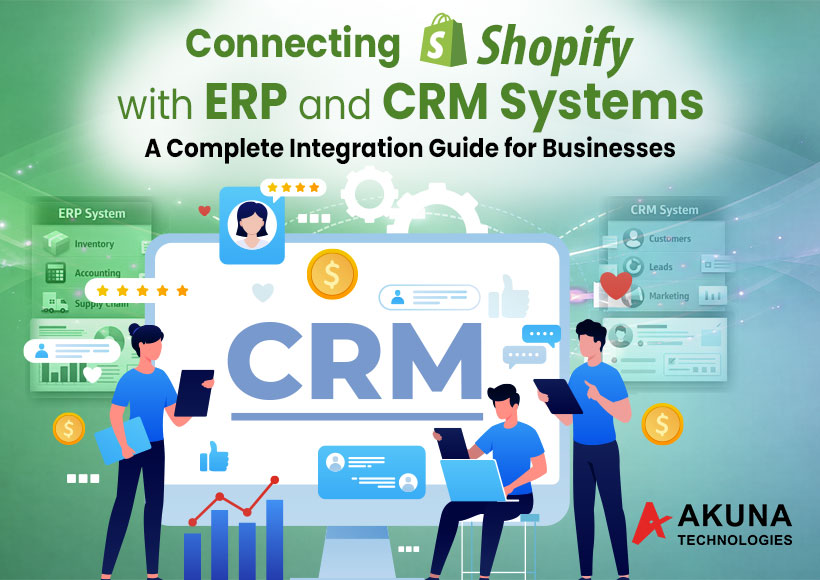
Running a Shopify store is exciting—until your orders, inventory, and customer data start living in different systems that don’t talk to each other. That’s when things get messy. If you’re spending hours manually updating spreadsheets or switching between tools, it’s time to think about integration. Connecting Shopify with ERP and CRM platforms helps you automate operations, improve customer experiences, and scale confidently.
Why Shopify + ERP + CRM Integration matters?
Your Shopify store is the front door of your business. Your ERP manages inventory, accounting, and logistics. Your CRM manages relationships and customer journeys. When these systems connect, data flows seamlessly. Orders sync automatically, stock updates in real time, and your sales team gets instant customer insights.
This is where Shopify store setup services play a big role. A strong foundation ensures your integrations are smooth and scalable from day one. Businesses that invest in proper Shopify store setup services avoid costly rework later.
Step 1: Audit Your Current Workflow
Before integration, map your current processes. Identify where manual work happens. Look at order processing, stock updates, invoicing, and customer communication. This helps define integration goals and reduces complexity.
Reliable Shopify management services can help businesses identify bottlenecks and streamline operations. Once the integration is live, ongoing Shopify management services ensure everything continues to run efficiently.
Step 2: Choose the Right Integration Approach
There are three main ways to integrate Shopify with ERP and CRM:
- Native integrations
- Middleware platforms
- Custom APIs
For complex workflows, Shopify app development is often the best solution. Custom integrations allow businesses to automate unique processes and scale faster. Many brands rely on Shopify app development to connect order management, inventory syncing, and customer segmentation.
Step 3: Migrate and Sync Data Carefully
Data migration is critical. Products, customers, and order history must transfer accurately. Poor migration leads to lost data and broken workflows. Working with Shopify migration experts ensures safe and structured data transfer. Experienced Shopify migration experts also help avoid downtime and maintain business continuity.
Step 4: Maintain and Optimize Integrations
Integration is not a one-time task. Systems evolve, apps update, and workflows change. Continuous monitoring and Shopify site maintenance keep integrations stable and secure. Regular Shopify site maintenance ensures your automation continues to deliver value.
Step 5: Use Data to Drive Growth
Once your systems are connected, the real magic begins. You can create targeted campaigns, automate follow-ups, and personalize experiences. This is where digital marketing services become powerful. Integrated data fuels smarter campaigns and better ROI. With the right digital marketing services, businesses turn insights into revenue.
Conclusion
Shopify–ERP–CRM integration transforms scattered operations into a unified growth engine. It saves time, reduces errors, and unlocks better customer experiences. At Akuna technologies, we specialize in creating seamless integrations tailored to your business goals. From setup to optimization, our team ensures your Shopify ecosystem runs smoothly and scales confidently. Ready to connect your systems and simplify your growth journey? Akuna technologies is here to help.
Tags: Content Marketing, Digital marketing, Product image editing, SEO agency, shopify app development, Shopify development companies, shopify development company, Shopify ecommerce development, Shopify experts, shopify experts australia, shopify experts sydney, shopify maintenance, shopify maintenance services, shopify management services, Shopify Migration Experts, shopify migration service, shopify setup service, shopify site maintenance, shopify small tasks, shopify store management services, Shopify Store Setup, shopify store setup service, shopify store setup services, Shopify theme Customisation, Shopify Theme Customization, shopify theme customization services